

Key Points
- Researchers linked a once-legitimate extension with about 70,000 users to fake Chrome update warnings.
- Google removed the extension after malicious capabilities emerged following an ownership change.
- The campaign shows official stores, ratings and earlier endorsements cannot guarantee extensions remain safe.
The latest
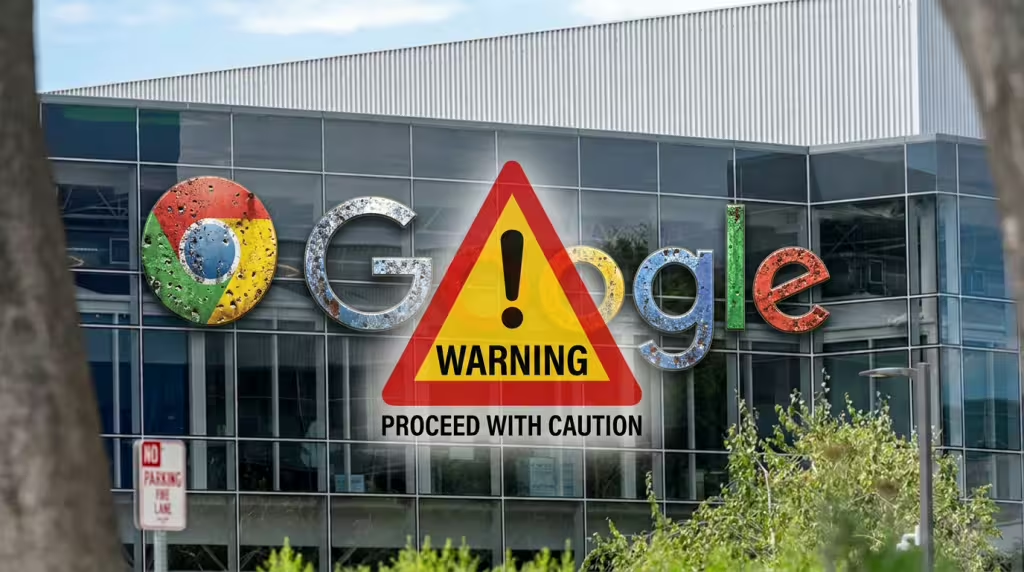
A Chrome extension used by around 70,000 people was linked to fake browser-update warnings after researchers found malicious functionality in a tool that had begun as a legitimate utility. Enable Right Click & Copy – Smart Unlock + OCR originally restored right-click and copying on restrictive websites. Researchers said a threat actor later acquired and weaponized it. Google removed the extension from the Chrome Web Store on August 14. The roughly 70,000-user count did not mean every user received or encountered the compromised version.
Details
- Fake update flow: Users may see “Critical Update” or “Update is available” inside an otherwise legitimate website and be urged to download a file before continuing. Chrome normally updates in the background; its version can be checked through the three-dot menu, Help, then About Google Chrome. Requests for unfamiliar .exe or .vbs files are suspicious.
- Broader campaign: Socket linked the extension in research published August 27 to 19 Chrome and Microsoft Edge extensions capable of delivering malicious payloads. Identified functions included credential theft, cryptocurrency wallet draining, injected phishing pages, fake update alerts and additional malicious downloads. Some products had operated legitimately before acquisition and weaponization.
- Ratings problem: The extension retained an average rating near 4.7 stars as complaints appeared. Older positive reviews can outweigh recent warnings after ownership or behavior changes. Several August reviewers said the prompts vanished after disabling or removing it. QuickLens, once carrying Google’s “Featured” badge, also changed ownership before a malicious update and later removal by Google.
- Detection limits: Some users said full antivirus scans found nothing while alerts persisted because an extension can inject content directly into webpages. A separate infection may begin only after the promoted file is downloaded and run. Safe Browsing can disable known malicious extensions, but emerging attacks may arrive before classification.
- User response: Users should not click an in-page Chrome update prompt or download its file. Anyone with the extension should remove it, restart the browser, run a full security scan and inspect other extensions and permissions. If a suspicious file was executed or sensitive accounts were accessed, important passwords should be changed from another trusted device.
Background
Chromium-based browsers, including Brave and Opera, use similar extension architectures and have also displayed Chrome-branded warnings. A previous malicious-extension campaign affected an estimated 4.3 million users after useful tools received hostile updates. Extensions allowed to read and change data on every website warrant particular scrutiny.
What’s next
The immediate indicator to watch is any Chrome update demand appearing inside a webpage, especially in Brave or Opera. Users should verify updates only through Chrome → Help → About Google Chrome and review Chrome → Extensions → Manage Extensions for unused, unfamiliar or broadly privileged tools.